Monthly Statement Report Generation
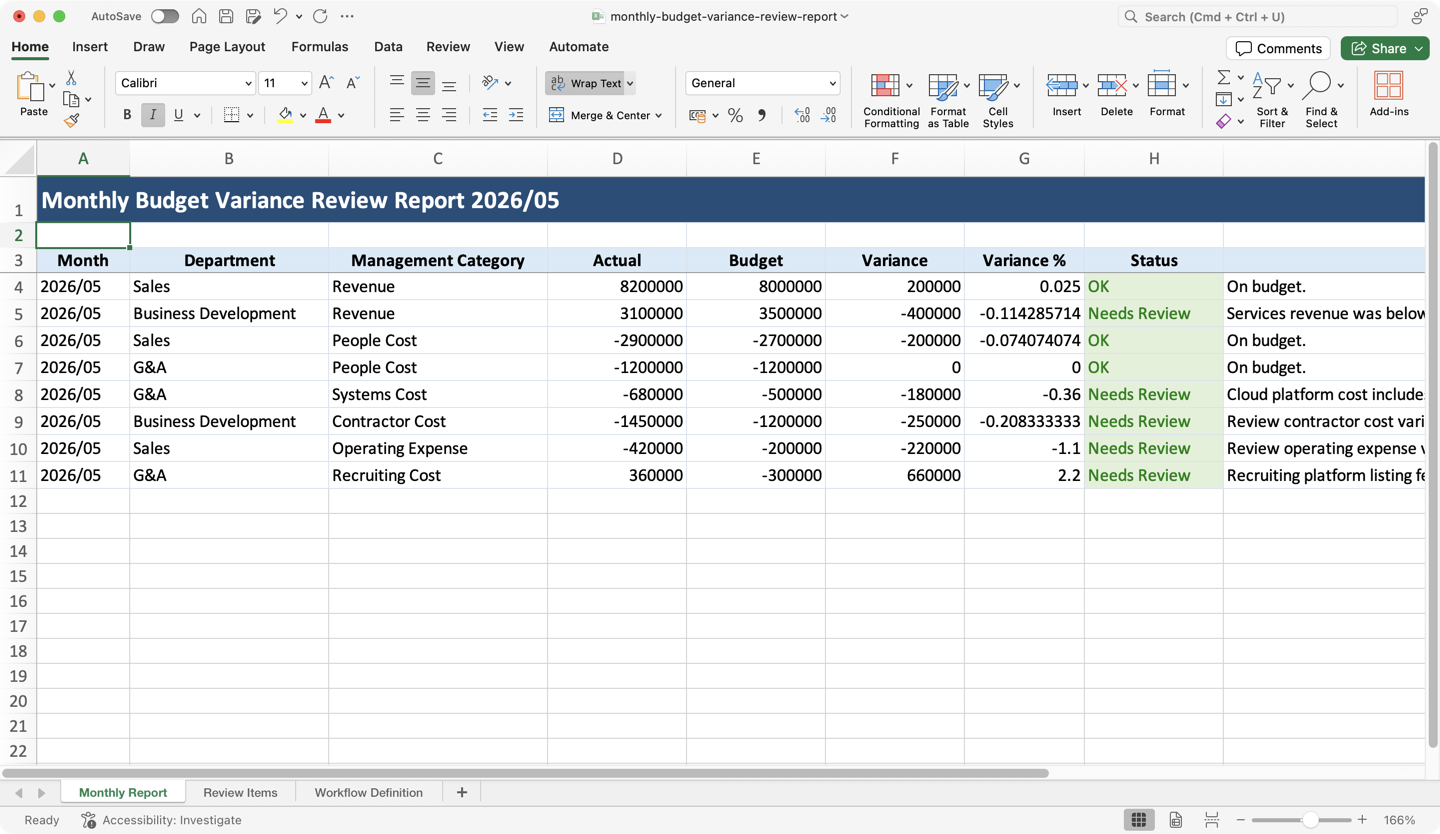
Upload two files: the month's journal export and your management accounting workbook. Aqua Blue creates the finished budget variance Excel report for you.
Workflow
This is the reusable workflow. Use it as-is, or adapt it to your team's real monthly close: read source files from a shared folder, add approval steps, send the finished workbook to finance, or save it back to Google Drive.
Budget Review Coordinator

Upload budget review files
Upload the month's journal export and management accounting workbook.

Convert journal workbook
Read the journal export, even when it arrives as Excel.
Parse journal rows
Pull the transaction rows and original accounting columns.
Read monthly budget sheet
Read the budget sheet from the management workbook.
Parse monthly budget rows
Prepare budget amounts by month, department, and category.
Read account mapping sheet
Read how accounts map into management categories.
Parse account mapping rows
Prepare the account and subaccount mapping.
Read department master sheet
Read the department master from the management workbook.
Parse department master rows
Prepare the department list and owners.
Prepare report and review items
Compare actuals with budget and collect exceptions that need judgment.
Collect review decisions
Pause so a person can review variances, missing mappings, or one-time costs.
Apply review decisions
Write the answers and comments back into the report data.

Generate final Excel report
Create the finished Excel workbook for download.
Want to automate work like this for your team?
Try Aqua Blue